Introduction
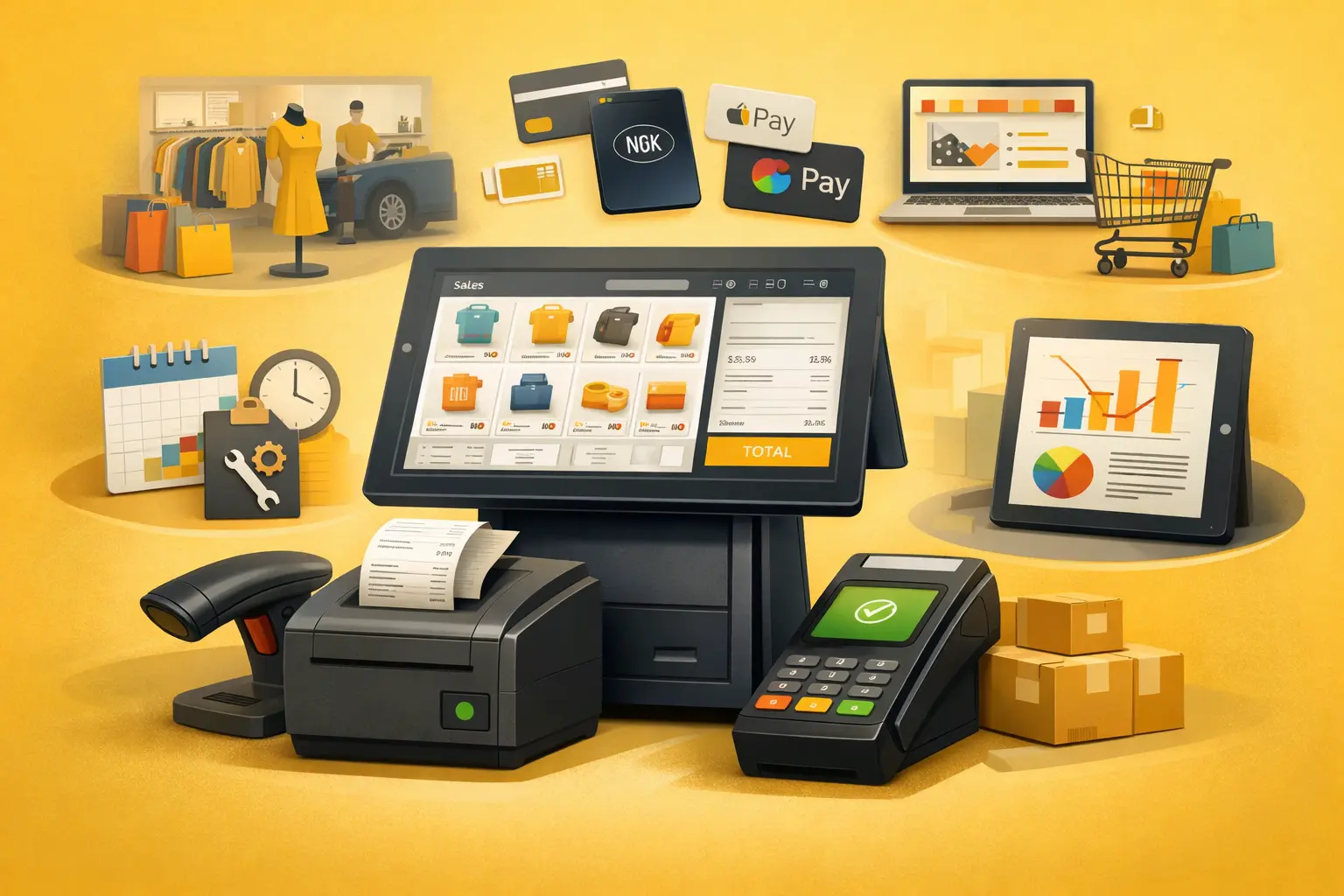
A Point of Sale (POS) system is the backbone of modern businesses. Whether you run a retail store, a repair shop, or an online business, your POS system directly impacts how you process transactions, manage inventory, and track performance.
But with so many options available, choosing the right POS system can quickly become overwhelming. From complex enterprise solutions to lightweight, modern tools, the choices vary widely.
This guide breaks down exactly how to choose the right POS system based on your business needs without unnecessary complexity.
Understand Your Business Type First
Not all POS systems are built the same. The right choice depends heavily on how your business operates.
For example, a retail store needs strong inventory management, while a service-based business may prioritize appointment tracking and invoicing. Similarly, repair businesses often require job tracking and customer history features.
Before evaluating tools, clearly define:
- How you sell (in-store, online, mobile, or hybrid)
- What you sell (products, services, or both)
- Your transaction volume and growth expectations
Choosing a POS without aligning it to your business model often leads to inefficiencies later.
Prioritize Ease of Use
A POS system should simplify your workflow, not complicate it.
Many businesses make the mistake of choosing feature-heavy systems that require extensive training. In reality, a good POS should be intuitive enough for your team to start using with minimal onboarding.
Look for:
- Clean and simple interface
- Quick checkout process
- Minimal clicks to complete a sale
The easier it is to use, the faster your team operates and the better your customer experience becomes.
Evaluate Payment Flexibility
Your POS system must support how your customers prefer to pay.
Modern businesses need more than just cash and card support. A good POS should handle:
- Credit and debit cards
- Contactless payments (NFC, Apple Pay, Google Pay)
- Online payments (if applicable)
The more flexible your payment system, the fewer sales you lose at checkout.
Check Inventory and Order Management Features
If your business deals with physical products, inventory management is critical.
A reliable POS system should allow you to:
- Track stock levels in real time
- Receive low stock alerts
- Manage product variations
- Sync inventory across locations (if applicable)
Without proper inventory tracking, businesses often face stockouts, overstocking, and revenue loss.
Look for Strong Reporting and Analytics
Data-driven decisions are what separate growing businesses from stagnant ones.
Your POS system should provide clear insights into:
- Sales performance
- Best-selling products
- Peak business hours
- Customer buying patterns
These insights help you optimize pricing, inventory, and marketing strategies.
Consider Scalability
Your POS system should grow with your business.
Many small businesses choose basic systems initially, only to outgrow them within months. Migrating to a new system later can be costly and disruptive.
Look for a POS that can scale with:
- Increased transaction volume
- Multiple locations
- Expanded product lines
- Additional staff accounts
Choosing a scalable system from the start saves time and resources in the long run.
Integration Capabilities Matter
A POS system does not operate in isolation. It should integrate seamlessly with other tools you use.
Important integrations include:
- Accounting software
- CRM systems
- Ecommerce platforms
- Marketing tools
The right integrations reduce manual work and create a smoother operational flow.
Cloud vs Traditional POS Systems
Modern businesses are increasingly shifting toward cloud-based POS systems.
Cloud POS systems offer:
- Access from anywhere
- Automatic updates
- Real-time data syncing
- Lower upfront costs
Traditional (on-premise) systems may still be suitable for certain businesses but often lack flexibility and scalability.
Pricing vs Value
While cost is an important factor, it should not be the deciding one.
A cheaper POS system that lacks essential features can cost more in inefficiencies, lost sales, and operational challenges.
Instead, evaluate:
- What features are included
- Transaction fees
- Long-term scalability
- Support and maintenance
Focus on value, not just price.
Customer Support and Reliability
Technical issues during transactions can directly impact revenue.
Choose a POS provider that offers:
- Reliable uptime
- Fast customer support
- Clear documentation and onboarding
A dependable system ensures smooth daily operations.
Final Thoughts
Choosing the right POS system is a strategic decision that affects every part of your business from sales to customer experience to growth.
The best POS system is not necessarily the one with the most features, but the one that aligns perfectly with your business needs while keeping operations simple and efficient.
Take the time to evaluate your requirements, test options where possible, and prioritize usability and scalability over complexity.
FAQs
What is the most important factor when choosing a POS system?
The most important factor is how well the system aligns with your business model and workflow. Ease of use and scalability are also critical.
How much does a POS system cost?
POS systems can range from free basic plans to premium solutions costing hundreds per month, depending on features and transaction fees.
Can I use a POS system without a physical store?
Yes, many modern POS systems support online and mobile selling, allowing you to operate without a physical location.
What is the difference between cloud POS and traditional POS?
Cloud POS systems store data online and offer remote access, while traditional POS systems operate on local servers with limited flexibility.
Is a POS system necessary for small businesses?
While not mandatory, a POS system significantly improves efficiency, accuracy, and scalability for small businesses.